The following information clearly states the requirements and best practices for referring and managing merchants.
Referring Merchants
To help you refer merchants to CashFlows® we provide you with an unique partner online application form which is linked directly to your partner account.
Any merchant applications which you wish to refer must be submitted via this online application in order to be considered and credited against your partner account.
Accredited Partner Logo
The "Accredited Partner of Cashflow" logo must also be displayed on your website ideally where the merchant decides to apply for the CashFlows® service. This reassure your customers that they are applying for a merchant account and payment processing service from a recognised secure payment service provider and acquirer.

We recommend that you source the images directly from the CashFlows® image library by copying the code below:
<a href="http://www.cashflows.com/" target="_blank" title="Payments Processing - CashFlows - Opens in new browser window"><img src="http://www.cashflows.com/images/partner_of_cashflows.png" border="0" alt="CashFlows Payments Processing"></a>
Referral Application process
When a merchant applies via your unique online application link, an email is sent to your nominated email address advising you that the application has been received.
If the merchant has to pay a Set Up fee we will inform you of the payment request and when they have payed. Our acceptance team will also email you if we require any additional information to make a decision on an account.
It is the partner's responsibility to obtain any required information from the merchant.
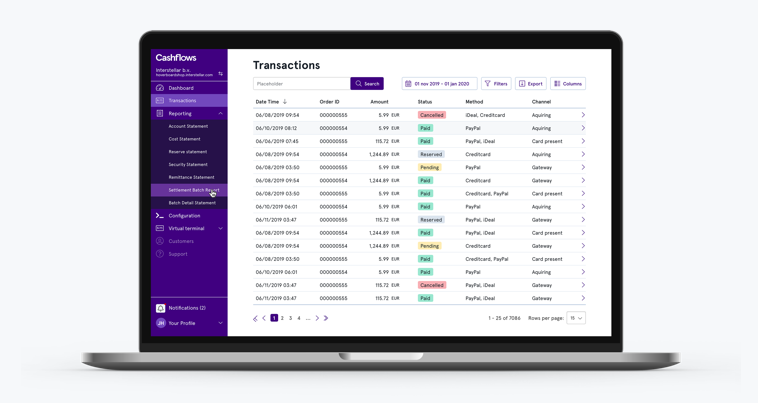
To help you refer merchants you can also look at specific applications in progress via our Netsuite Partner Centre.
When you are logged into the Netsuite Partner Centre you will be presented with the following options:
- LEADS - New applications that have not yet been progressed
- PROSPECTS - Applications which are currently in progress
- CUSTOMERS - Applications on which a decision has been made (Approved and Declined)
Merchant Integration
Once a merchant's application has been approved, their account will be set up and activated. We will then notify you by email of the merchant's approval and provide the necessary information for their integration. If your require additional help with integration, please send your queries to support@cashflows.com
Once an account is live, it is the partner's responsibility to ensure that the merchant starts trading and continues trading.
Partner Management System
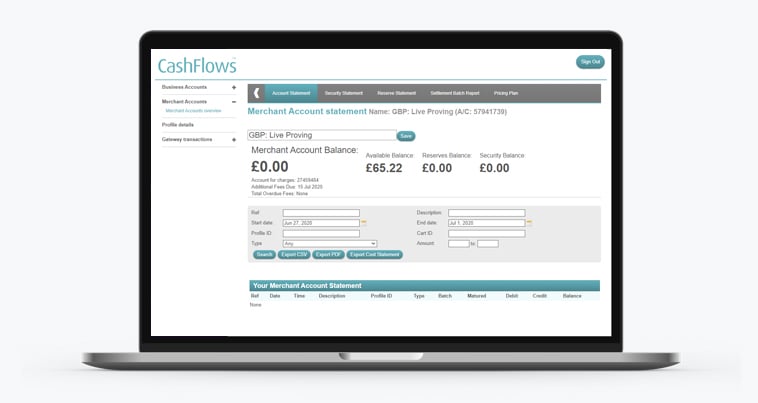
To help you manage your merchants we provide you with a login to the Partner Management System where you can view the transaction performance on the merchant's account and see how they are performing against their forecast turnover.
Payment of Commission
Commissions are paid directly into your nominated bank once a month. In order to facilitate this, we require you to email a copy of a bank statement or voided cheque for the account to partners@cashflows.com. If the account is a non UK account, we will also require you to complete a Wire Instructions form.
The portion of compensation paid to the Partner on any rebates will be calculated on the value of transactions less all adjustments for unpaid fees, chargebacks, credits, voided transactions and any fines resulting from such transactions.
All Partner Rebates payable shall be paid on the 1st Monthly for transactions of the previous month.
Referring Partners
CashFlows® provides Partners with an incentive for referring other Partners to the program in the form of an Override Commission.
Should the Partner (hereinafter 'Partner A') refer another Partner (hereinafter 'Partner B') to CashFlows®, we will pay 0.10% commission on Partner B's customer's trade in the preceding calendar month to Partner A's designated bank account.
This arrangement will only be supported on ONE LEVEL i.e. a 'pyramid' of partners will not be supported by this arrangement under any circumstances and Partner A will not earn any commissions on any trade resulting from a partner that Partner B may refer.
Further Information
For further information detailing our acceptance parameters and specific policies for the different industry sectors, please refer to our Merchant Signup Guide